How to add the free Daily Numerology Horoscope to your website
Choose your language and look, click "Copy code", and paste the code on your site. It takes about 1 minute. Below are the exact steps for WordPress, Blogger, Wix, Google Sites and any other website.
✓ Reviewed by Akanshha Joshii, numerologist
How to add it to your website
Three steps. It takes about 1 minute.
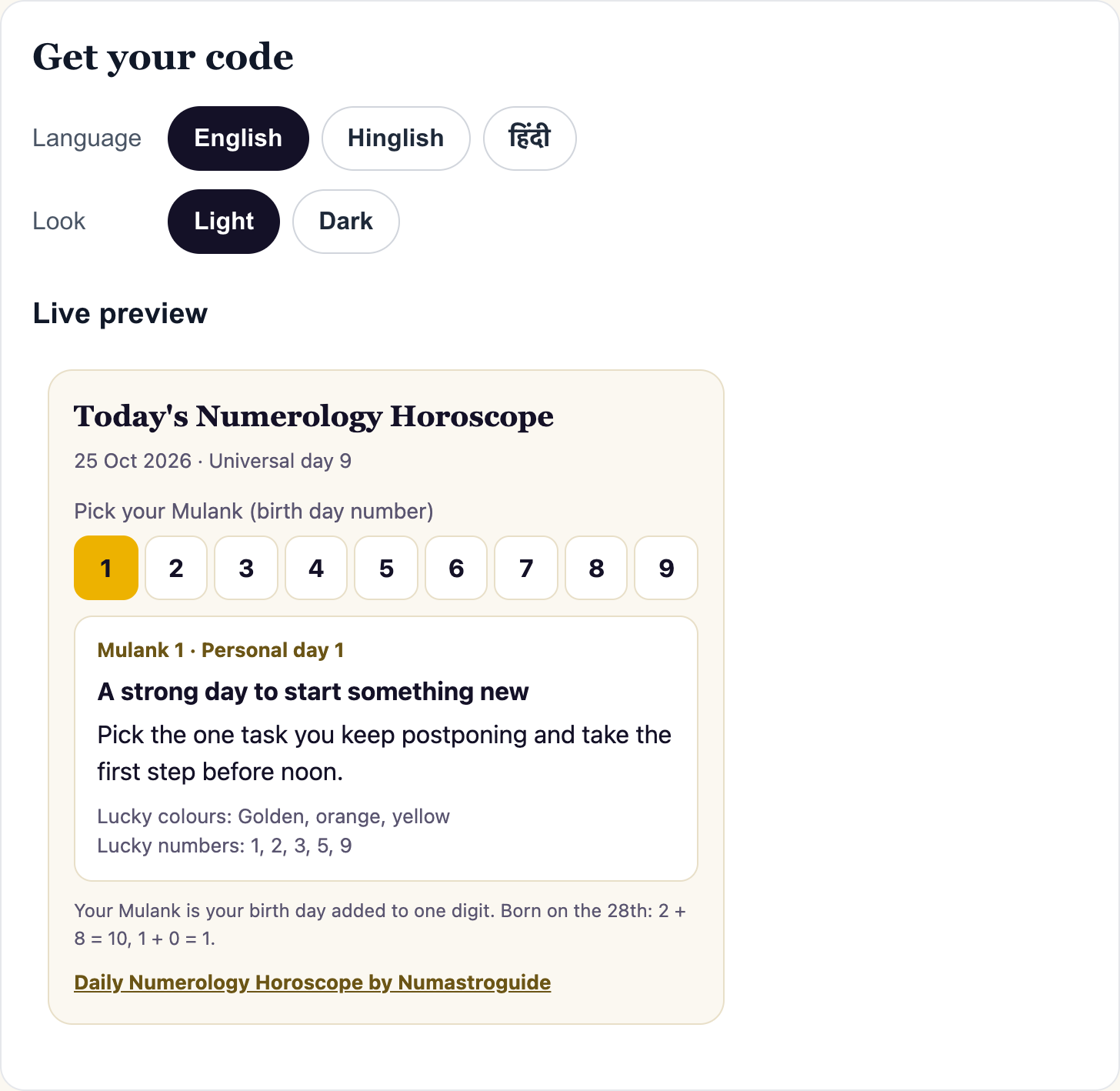
1Choose language and lookPick English, Hinglish or हिंदी, and Light or Dark. The live preview changes at once.
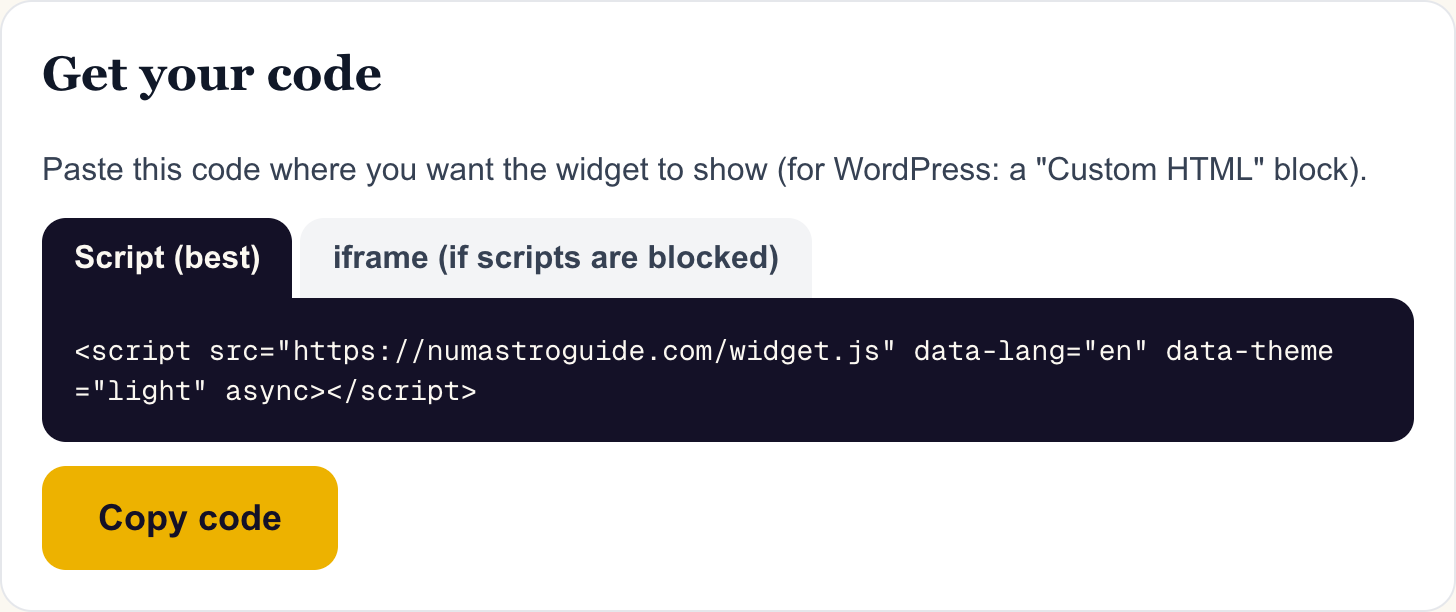
2Click "Copy code"The Script tab gives one line of code. If your site does not allow scripts, open the iframe tab and copy that code.
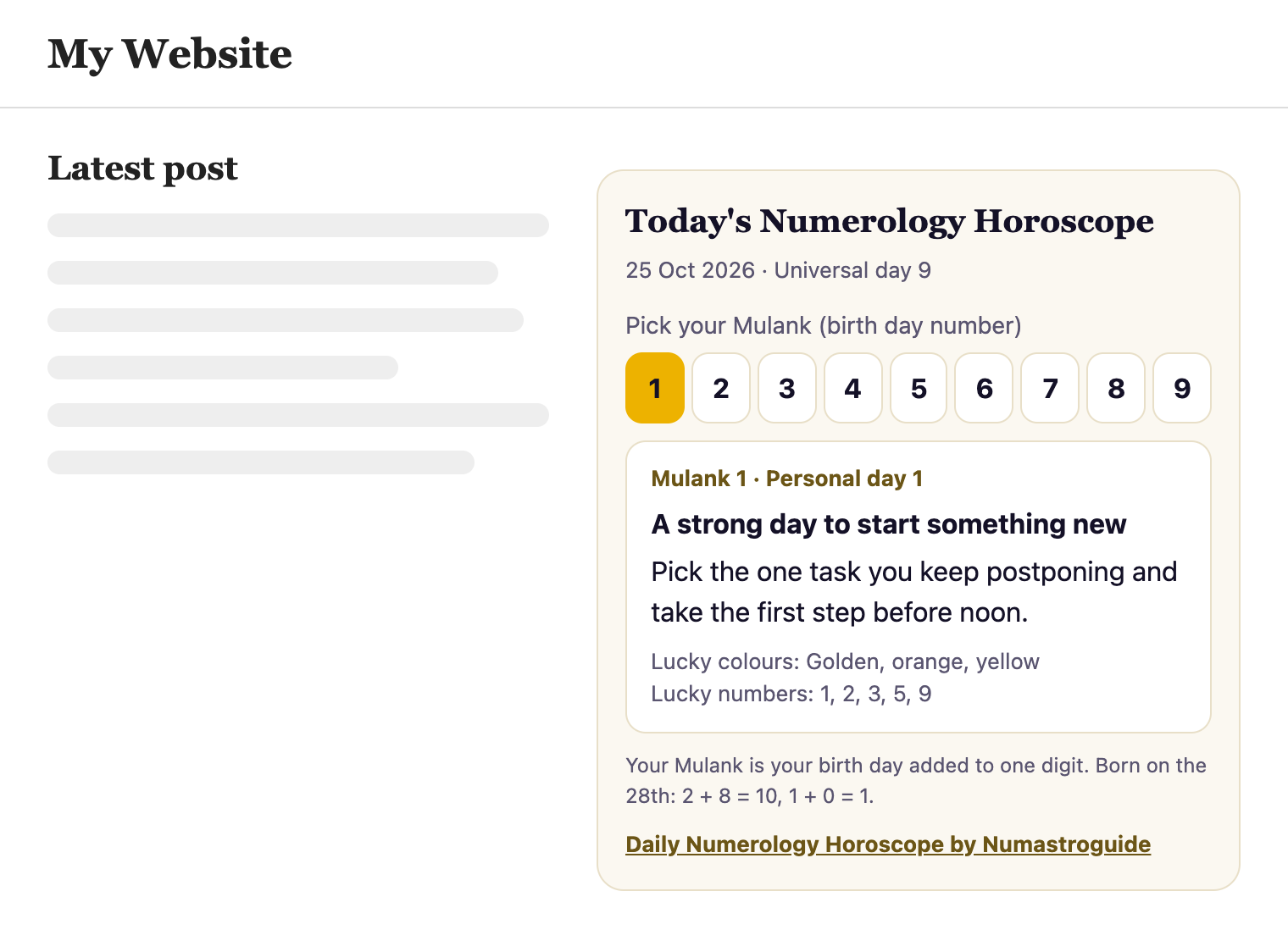
3Paste it on your sitePaste the code where you want the widget to show. Find your site builder below for the exact clicks.
Step by step for your site builder
Copy the code first (step 2), then follow the steps for your site.
WordPress
- Open your WordPress dashboard.
- Go to Appearance → Widgets (or open the page or post you want).
- Add a "Custom HTML" block and paste the code.
- Click Update or Save. Done.
Blogger
- Open Blogger and click Layout.
- Click "Add a Gadget" where you want the widget.
- Choose "HTML/JavaScript" and paste the code.
- Click Save. Done.
Wix
- Open your site in the Wix Editor.
- Click Add → Embed Code → Embed HTML.
- Click "Enter Code", paste the code and click Update.
- Make the box tall enough, then click Publish.
Google Sites
- Open your site in Google Sites.
- Click Insert → Embed → Embed code.
- Paste the code, click Next, then Insert.
- Make the box tall enough, then click Publish.
Any other site
- Open the editor of the page where you want the widget.
- Switch to the HTML or code view.
- Paste the code where you want the widget to show.
- Save and publish.
Does your name suit your birth numbers?
Check your name number against your Mulank and Bhagyank in the free Name Check.
Frequently asked questions
The widget does not show. What do I do?
Some site builders block scripts. Use the iframe code from the second tab instead. It shows the same reading.
Where is the best place to put it?
A sidebar, the end of a post, or an "astrology" or "today" page. It fits any width, from phones to desktops.
Can I put it on more than one page?
Yes. Paste the same code on as many pages as you like. It stays free.
Is the numerology widget really free?
Yes. It is free for any website, with no sign-up. It always will be. Please keep the small credit line "Daily Numerology Horoscope by Numastroguide" in the widget.
Does your name suit your birth numbers?
Check your name number against your Mulank and Bhagyank in the free Name Check.